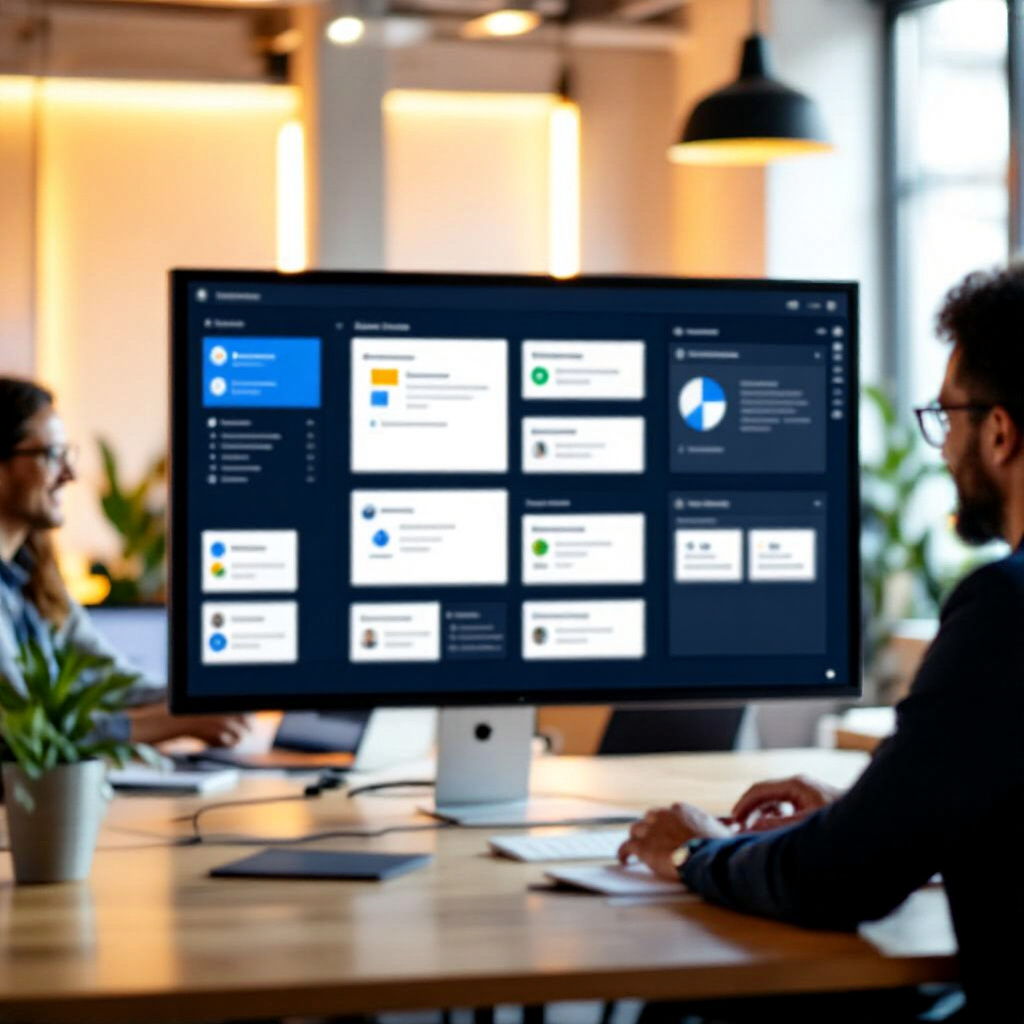
Loop: Real-Time Collaboration Reimagined
Live components, cross-app sync, and AI-powered brainstorming — where teamwork actually works.
The Collaboration Nightmare
Your project plan lives in Teams chat. The task list is in Planner. Meeting notes are in OneNote. Decisions are scattered across Outlook threads. Nothing is in sync. You're losing 20% of your week just searching for what was decided.
Enter Loop — One Workspace, Everywhere
- Open Microsoft Loop app or a Loop component in Teams/Outlook
- Create a workspace for your project (e.g., "Q4 Marketing Campaign")
- Add pages: Sprint Plan, Decision Log, Launch Checklist
- Each page contains live components — task lists, tables, voting blocks — that sync everywhere
Loop Components — The Magic
Components are portable, live content blocks that work inside any Microsoft 365 app:
- Task List: Assignees, due dates, status — syncs with Microsoft To Do and Planner
- Voting Table: Team members vote thumbs up/down — instant decisions
- Checklist: Shared checkboxes for launch reviews, onboarding, audits
- Table: Sortable data grid — status trackers, comparison matrices
- Paragraph: Rich text for meeting notes, decision summaries
Copilot in Loop — AI Co-Creator
Copilot makes Loop even smarter:
- Page Summarization: "Summarize this workspace for the stakeholder meeting"
- Content Drafting: "Write a project brief for the beta launch"
- Brainstorming: "Generate 10 ideas for improving customer onboarding"
- Task Generation: "Create action items from this meeting notes page with owners and deadlines"
- Agenda Builder: "Draft an agenda for next week's sprint review"
Components Work Anywhere
Share a Loop component in Teams chat → Everyone edits in real time. Paste into Outlook → Recipients interact inline, no Teams license needed. Embed in Word for the web → Live task trackers inside long-form documents.
- In Teams: Type '/' → Loop → Choose component → Insert in chat or channel
- In Outlook: Send a Loop table as email — recipients can edit directly
- In Word: Embed live components inside project plans and proposals
The 'One Source of Truth' Prompt
"Create a project status workspace with a task list, milestone tracker, and decision log. Sync all components so the same task list appears in Teams, Outlook, and the Loop app — always up to date."
Time Reclaimed
- Searching across apps: 20% of work week → near zero
- Meeting follow-ups: 1 hr → 10 min
- Status updates: 2 hrs/week → 15 min
- Decision tracking: 45 min/meeting → live update as decisions happen
Recommended Resources
Disclosure: Some links on this page are Amazon affiliate links. I may earn a small commission if you make a purchase — at no extra cost to you. I only recommend resources I actually find useful.