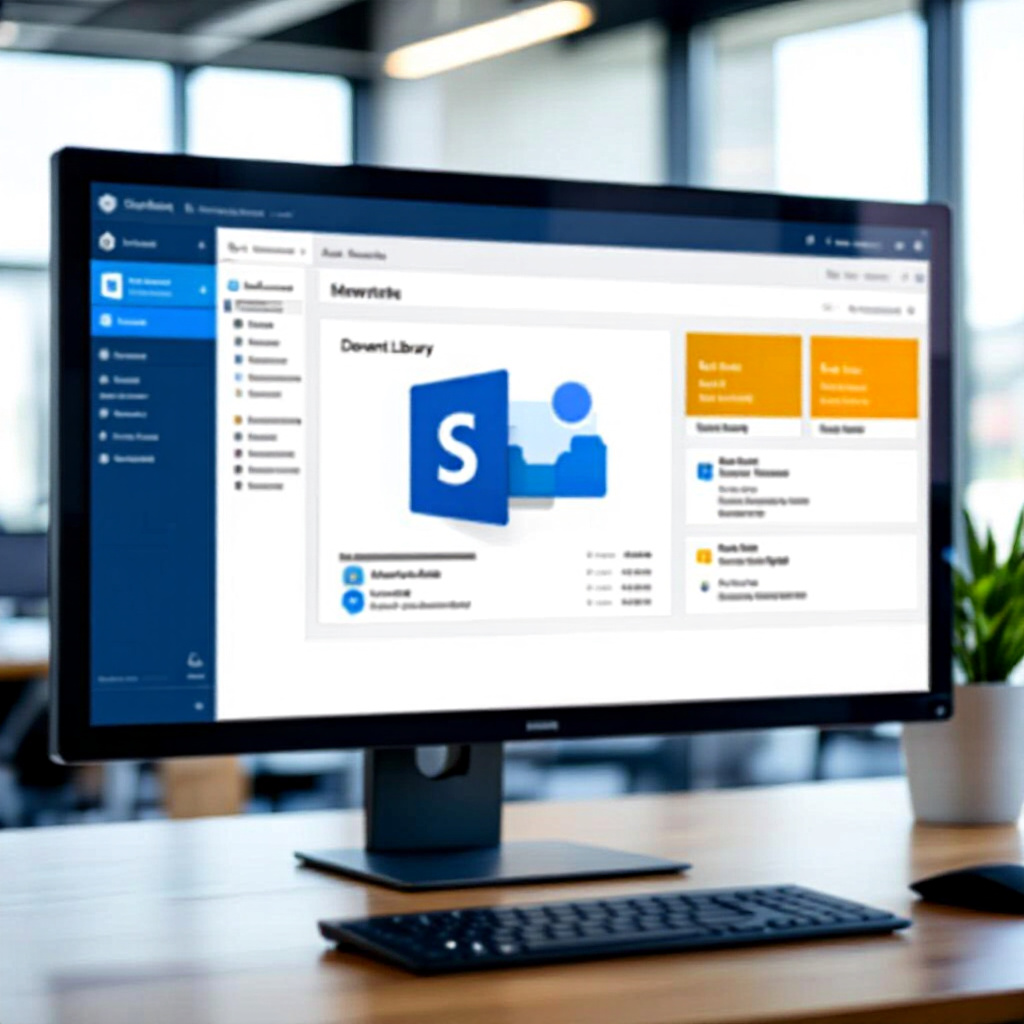
SharePoint: Find Everything Instantly
Stop digging through document libraries. Copilot finds, summarizes, and organizes your SharePoint content in seconds.
The Document Abyss
Your company has 10,000 documents across 50 SharePoint sites. The policy you need is in one of them. Somewhere. You open the library, scroll, filter, scroll more. 20 minutes later, still searching.
The Copilot Way
- Open your SharePoint document library
- Click the Copilot icon in the top navigation
- Type: "Find the latest Q3 financial report with budget breakdown"
- Copilot returns: Direct document link, summary of contents, and related files
What Copilot Finds For You
- Documents: Exact files based on content, not just filenames
- Policies: Company policies buried in deep folder structures
- Project files: Cross-site search across all SharePoint sites you have access to
- People: "Who worked on the Johnson account?" — finds relevant contacts
- Decisions: "What was decided about the marketing budget in April?" — searches meeting notes and documents
Try These Prompts
- "Summarize the top 5 documents in the Compliance library"
- "Find all documents about the new data privacy policy updated this year"
- "Show me the latest version of the onboarding checklist"
- "Compare these two proposals and highlight differences"
- "List all documents tagged with 'Q2 Review' across all sites"
Automatic Metadata — No More Manual Tagging
SharePoint Copilot now extracts metadata automatically. Every document you upload gets tagged with relevant categories, dates, and keywords — no manual effort needed:
- Auto-extraction: Reads document content and creates tags
- Adaptive libraries: Metadata structure evolves as your content grows
- Search enhancement: Metadata makes every future search faster and more accurate
- Agent-ready: Well-structured metadata powers Knowledge Agents for your team
Build Sites with Natural Language
"Create a project workspace for the marketing campaign with a document library, task list, and calendar. Add sections for creative assets, budgets, and approvals."
Time Reclaimed
- Searching for documents: 20 min → 30 sec
- Reading/understanding a long document: 15 min → 2 min
- Finding related files: 10 min → instant
- Manual metadata tagging: 30 min/upload → automatic
Related Articles
- Outlook Copilot: Write Professional Emails in 60 Seconds — Share links and summaries from SharePoint directly in email
- Word: Write Documents 10x Faster — Draft SharePoint documentation in Word with Copilot
Recommended Resources
Disclosure: Some links on this page are Amazon affiliate links. I may earn a small commission if you make a purchase — at no extra cost to you. I only recommend resources I actually find useful.